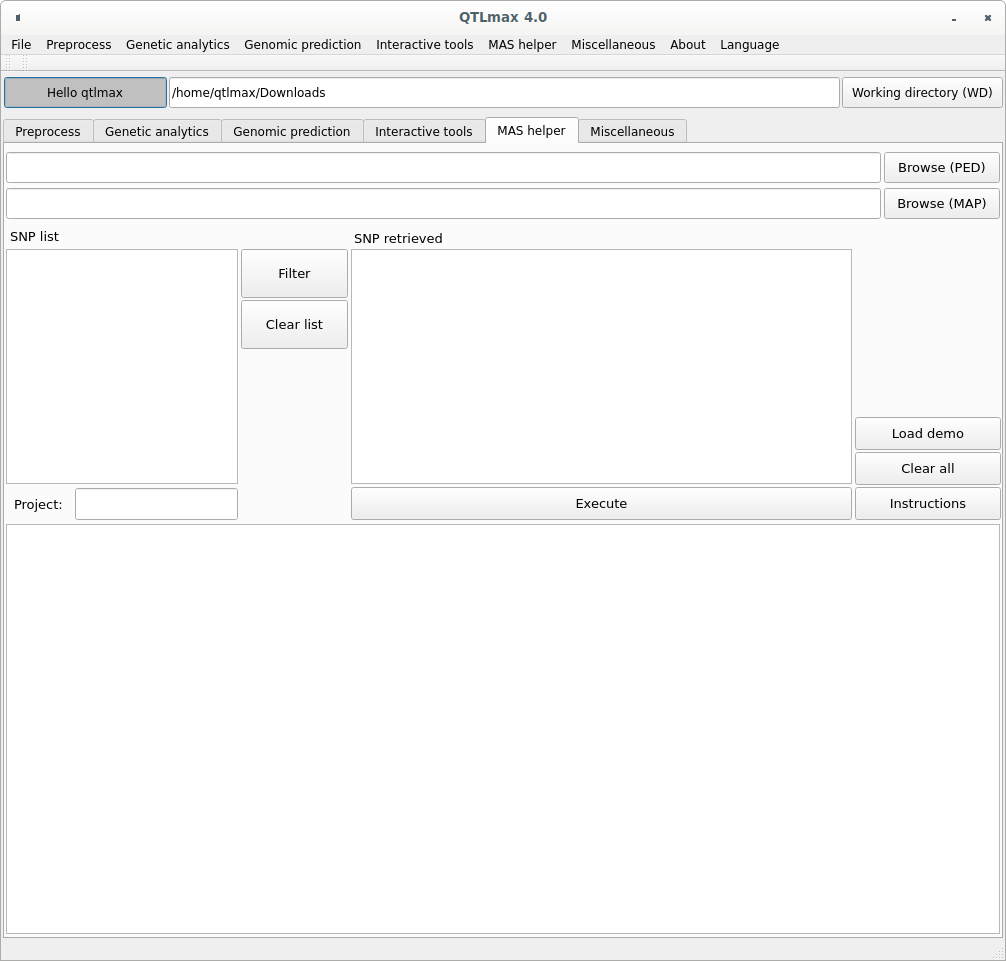
Figure 1 shows the MAS (marker-assisted selection) tab page selected.
(Figure 1)
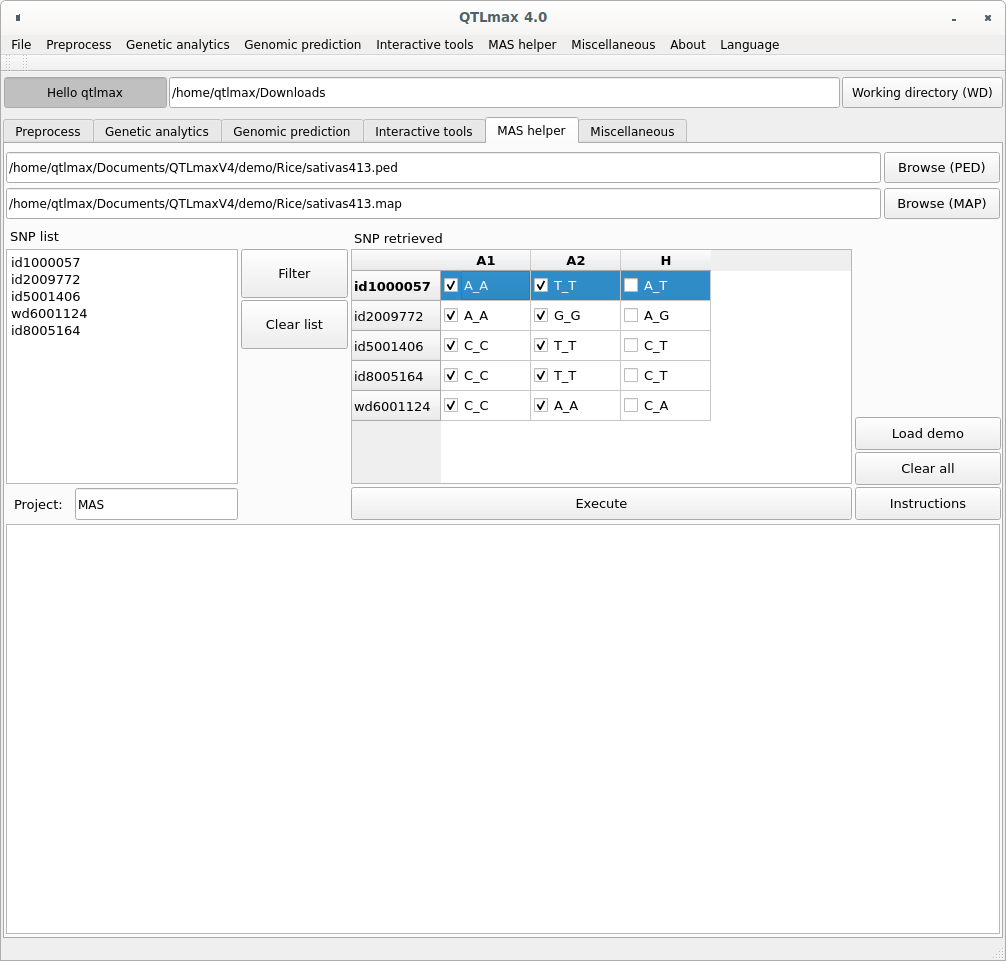
Copying the SNP list into the ‘SNP list’ box and clicking the [Filter] button will display the corresponding SNP information in a table on the right side (Figure 2)
(Figure 2)
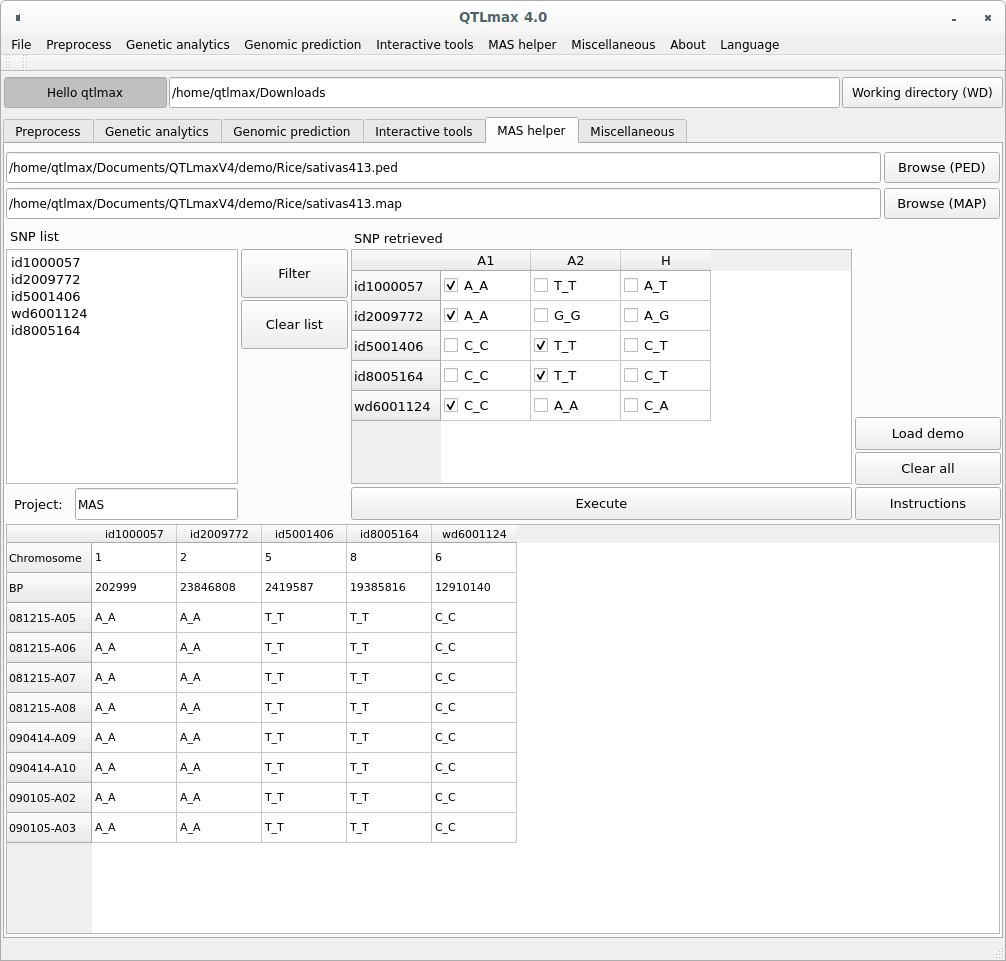
By selecting the desired allele type for each SNP marker and clicking [Execute], only individuals meeting the chosen conditions will be selected and displayed as a table in the bottom box.
(Figure 3)